 GotEmail









Your email in the notch
New mail drops down from your Mac's notch. Read it, reply, or copy a code without leaving what you're doing.
Made for founders and managers, with AI that stays private and mail that never touches our servers.
Used by people at







It’s really fast and has all the features I need. Sorry to be repetitive: the app is fantastic!
 Marco Zennaro, PhDResearch Scientist, ICTP
This is my new go-to app for my Mac devices, though I’m wedded to Windows and Microsoft Outlook for work.
 Jeff WohlfahrtPresident, Advanced Concepts
So far, the best native email application; give it a try.
 JavierFounder, Coderdiaz Studio
Most mail apps stop at the inbox. GotEmail keeps going, with the small things that save you a step dozens of times a day.
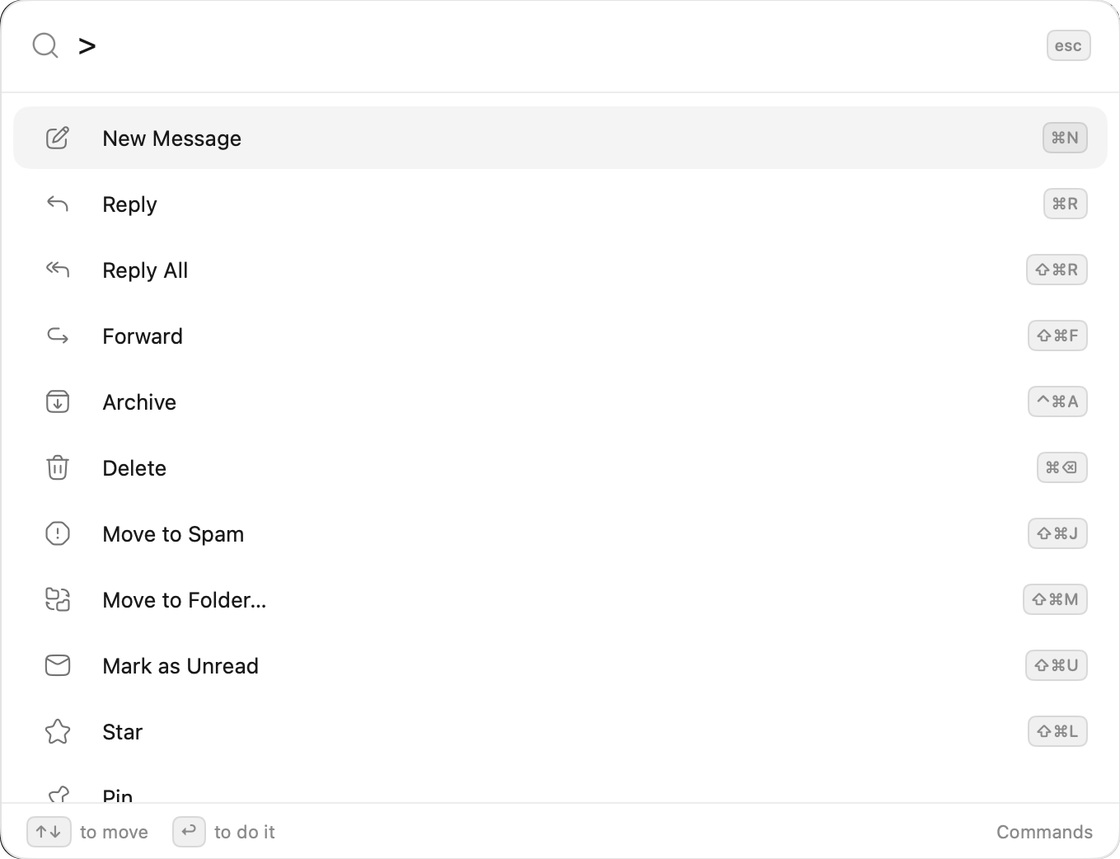
New mail drops down from your Mac's notch. Read it, reply, or copy a code without leaving what you're doing.
Ask GotAI to find, sum up, write or file your mail, fix your grammar in any language, or answer in a line. Nothing is sent without you.
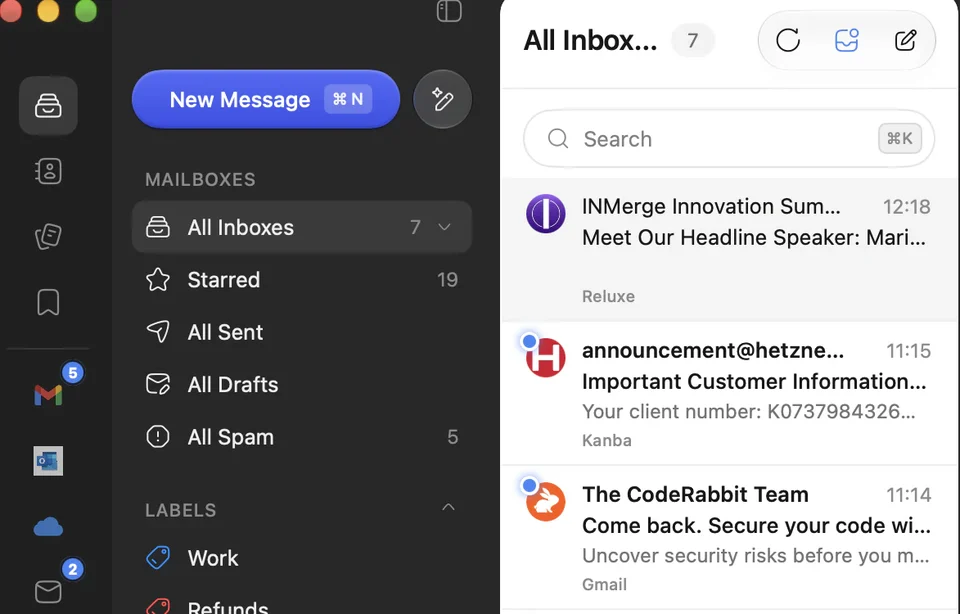
Gmail, Outlook, iCloud, Yahoo and any IMAP in one window, with Workspaces to keep work and home apart.
Codes and magic links show beside the subject, in a banner over any app and in the menu bar. One click copies them.
One click sums up a message or the whole conversation in a few sentences: what was decided, the dates, and what's left for you.
See when your message is opened and read, and which links were clicked, all in Activity.
Read any message in your own language. It runs on your Mac, and nothing leaves it.
Hold Space and say your reply; GotEmail writes it down. Or just talk to the AI.
However much mail you get, whatever language you speak, and whichever AI you talk to.
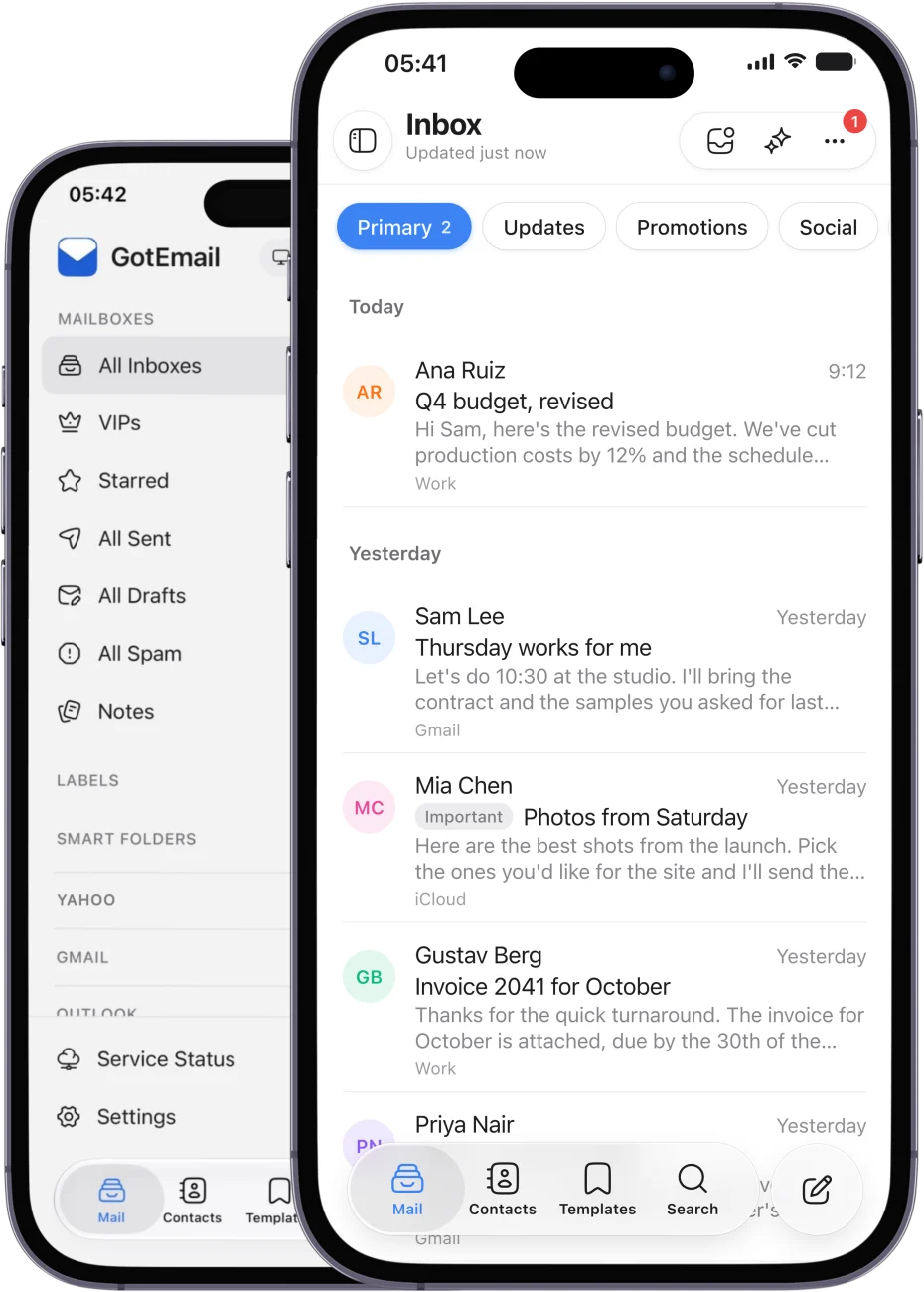
Mail sorts itself into Primary, Updates, Promotions and Social. Needs Reply and Waiting keep track of the rest.
Every menu, button and setting in English, Türkçe, Deutsch, Français, Español, Italiano, Português, Nederlands, Polski, Čeština, Русский, 日本語, 한국어 and 简体中文.
Ask about your mail right where you chat or code. GotEmail's MCP server runs on your Mac and never lets a message go without your OK.
Every build is signed with a Developer ID and checked by Apple before it reaches you. The first time you open it, macOS makes sure of that.
Your passwords and sign-in tokens live in the macOS Keychain on your Mac, and nowhere else.
Hidden images that report your opens never load. Each mail says how many.
Your settings and passwords travel between your Mac and iPhone end-to-end encrypted, with a key only your devices have, so we can't read them.
GotEmail is native to your Mac: a message opens in 55 ms, with no web page in between.
Your mail travels straight between your Mac and your provider, never through servers of ours. There is no account to make with us.
Your mail comes with you. Everything you set up on your Mac is already waiting on your iPhone. Native and as quick as Apple's own apps.
It’s now my main email app and perfectly handles all my Gmail, iCloud and M365 email accounts.
Works with iPhone, iPad and iPhone Duo
Thank you for your amazing work on this app. Best out there without a doubt!
 Kevin MullerFounder, HockeyShare.com
One of the best email tools I’ve used so far.
 Christian AlexandreFounder, House of Borel
You can track them, they can’t track you. Most honest privacy model in email.
 M I MohitCEO, FrithX
Be the first to know what's new.
Follow us on XUnlimited accounts, AI, every feature and every update. Pick how you'd like to pay.
Billed monthly. Cancel any time.
$6.58 a month, billed once a year.
For the next 100 customers, then $199.
GotEmail on every Mac and your iPhone.
Secure checkout by PolarRefund Policy
Premium service for Google and Microsoft, or a Mac app for every account.
Cross-platform teams app, or a private Mac-first one.
Microsoft's mail and calendar, or a mail-first Mac app.
Something else? Write to us, the founders answer.
If you use a Mac and an iPhone, Mac + iPhone at $119 is the best price: pay once and keep both for good. Only on a Mac? Lifetime is $99 for the next 100 customers. If you'd like to try first, start monthly and switch later.
With a subscription and with Mac + iPhone, yes: one license opens GotEmail on your Mac and your iPhone. Lifetime is for the Mac alone; you can add GotEmail for iPhone later, here or on the App Store.
Tell us what went wrong within 7 days of buying: most things are fixed in a reply or two, and if we cannot make it work for you, we refund a one-time purchase. Subscriptions are cancelled, not refunded. The Refund Policy has the details.
Any time, from the link in your receipt email. The app keeps working until the end of the month or year you paid for, and nothing is charged after that.
No. Every plan unlocks the whole app: unlimited accounts, AI, every feature and every update.
No. A license you already bought keeps working, updates included.
Gmail, Outlook.com, Hotmail, Microsoft 365, iCloud, Yahoo, AOL, Fastmail, Zoho, Proton through Bridge, and any IMAP/SMTP server.
No, GotEmail talks to your mail servers directly. Only what you ask for passes through ours: an AI draft or summary, and a message you schedule for later, kept sealed until it goes. The privacy policy lists every request.
All of yours, on any plan.
macOS 15 Sequoia and later, on Apple silicon and Intel Macs.
 Yahoo
 Fastmail
 AOL