 GotEmail
Adding all your email accounts to a new device takes ages: passwords, server names, codes. With GotEmail you do it once, on your Mac. Sync brings everything else along.
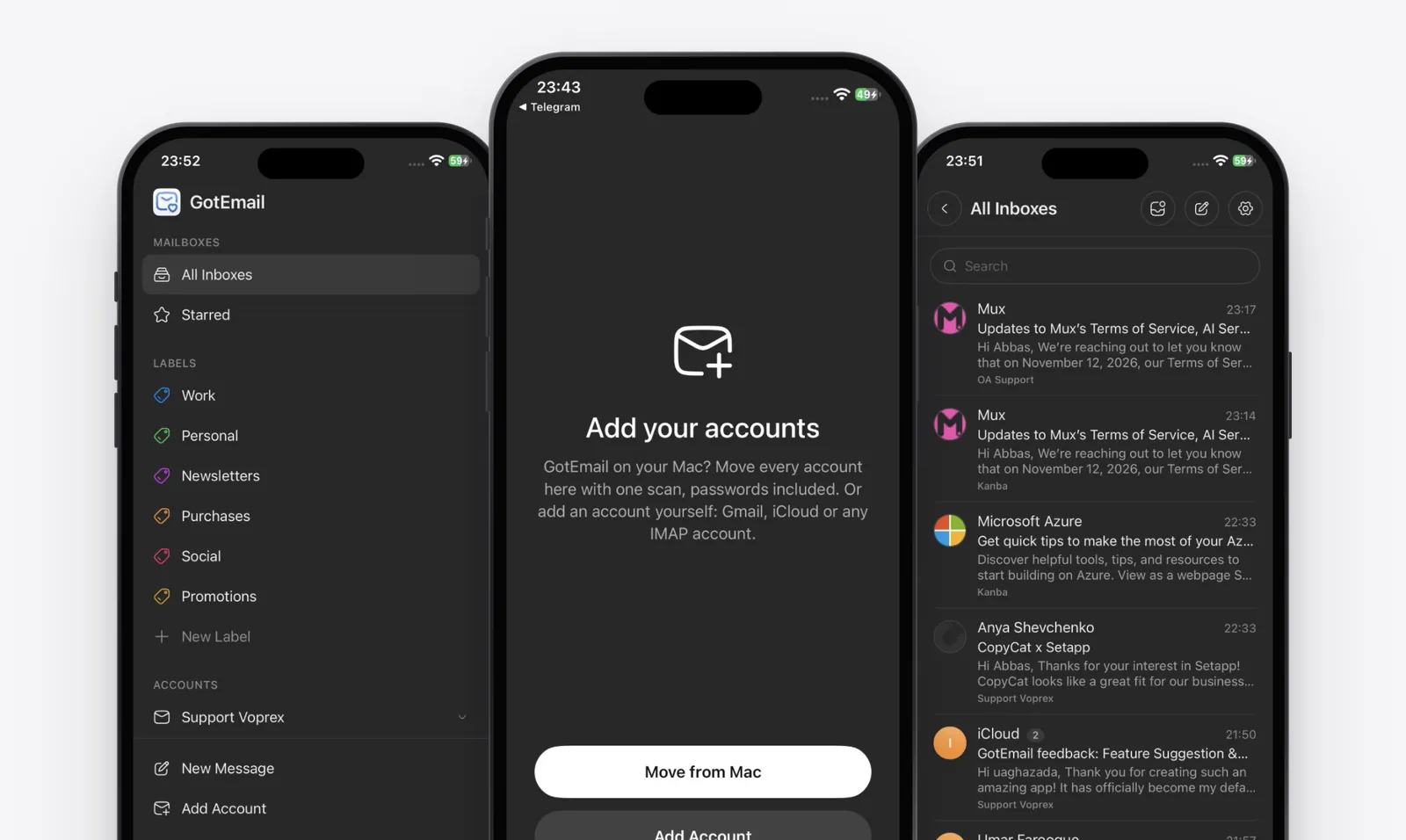
What syncs
- Accounts, with their passwords
- Labels, with their colours
- Notes, templates and to-dos
- Settings: Smart Inbox, VIPs, workspaces and more
Your mail itself doesn't sync through us. Each device gets it straight from Gmail, Outlook, iCloud or your own server.
Mac and iPhone
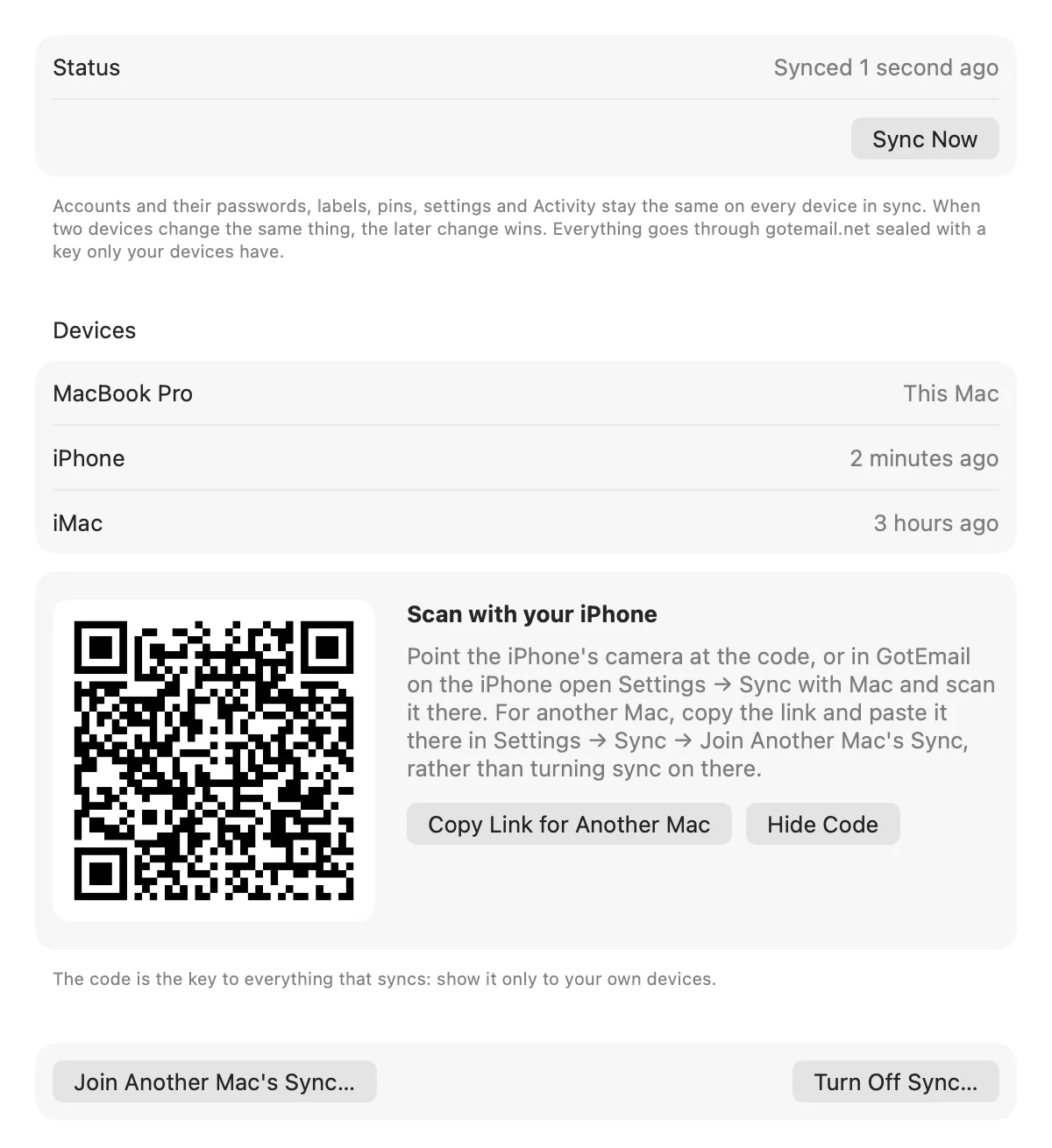
- On your Mac, open Settings → Sync and click Turn On Sync. A QR code appears.
- On your iPhone, scan the code with the Camera. Or open GotEmail and choose Settings → Sync with Mac.
- Done. Your accounts appear on the iPhone, ready to use.
Another Mac
- On the first Mac, choose Show Code… → Copy Link for Another Mac.
- On the second Mac, choose Join Another Mac's Sync…, paste the link and click Join.
Changes go both ways
Make a label on your iPhone, and it's on your Mac. Edit a template on your Mac, and it's on your iPhone. If two devices change the same thing, the later change wins.
Private by design
Sync is end-to-end encrypted. Your Mac makes a secret key, and it lives only in the code you scan. Everything is locked on your device before it leaves. Our server keeps only locked copies it can't read. Show the code only to your own devices.
Questions
Does my mail go through GotEmail?
No. Each device gets mail straight from your provider. Sync carries only your setup.
Can GotEmail read what syncs?
No. It's encrypted on your device, and the key is only in your code.
Do I type passwords again?
No. Accounts arrive with their passwords.
How many devices?
Up to 10 Macs, iPhones and iPads.
How do I stop syncing?
Choose Turn Off Sync on that device. Its copy on our server is deleted right away.